
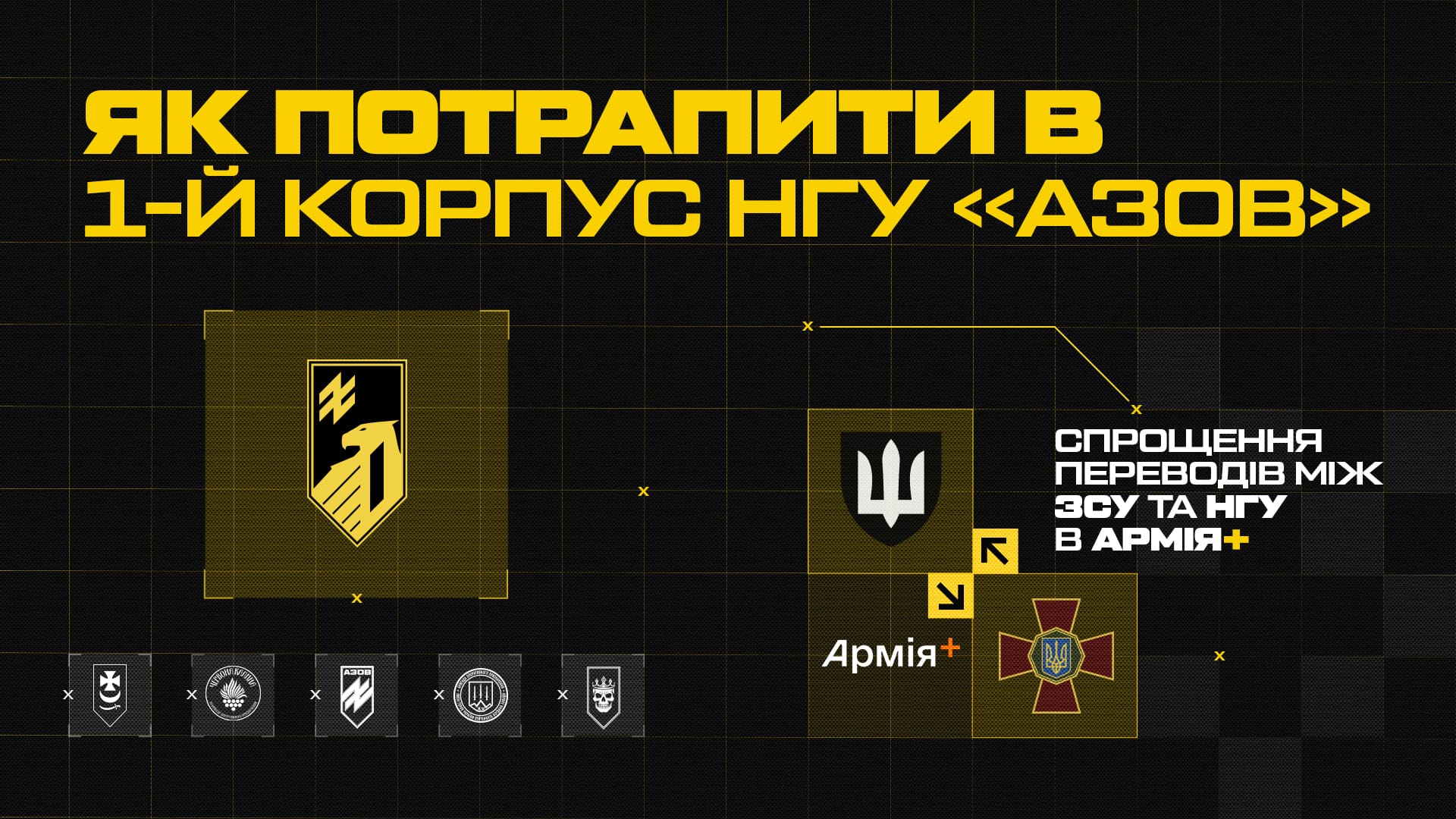
The government has simplified the transfer process between units of Ukraine’s Defense Forces. Servicemen of the Armed Forces of Ukraine can now transfer to the National Guard online through the Army+ application.
How to join the First Corps Azov of the National Guard of Ukraine
- Follow these steps:
- Open the Army+ app;
- Select the “Reports” section.
- Tap “New Report”;
- Choose “Change of Service Location”;
- Select “From AFU to NGU”;
- At step 2/16, choose the desired unit of the First Corps Azov.
Brigades of the First Corps Azov of the National Guard of Ukraine
The Corps includes:
- 1st Presidential Operational Brigade “Burevii” (military unit 3027)
- 12th Special Forces Brigade Azov (military unit 3057)
- 14th Operational Brigade “Chervona Kalyna” (military unit 3028)
- 15th Operational Brigade “Kara-Dag” (military unit 3029)
- 20th Operational Brigade Lubart (military unit 3009)
Complete the online transfer process by answering all required questions.
Documents required for the online application
You must attach:
- A copy of a military ID/officer’s ID/service identification
- A letter of recommendation from the unit you plan to transfer to
Important
To receive a recommendation letter from the First Corps Azov, a serviceman must complete the application form on the website via the provided link. After that, recruiters will contact the applicant to provide guidance and support for the next steps.
Be among the first. Join the ranks of the First Corps Azov of the National Guard of Ukraine through the Army+ app.


